
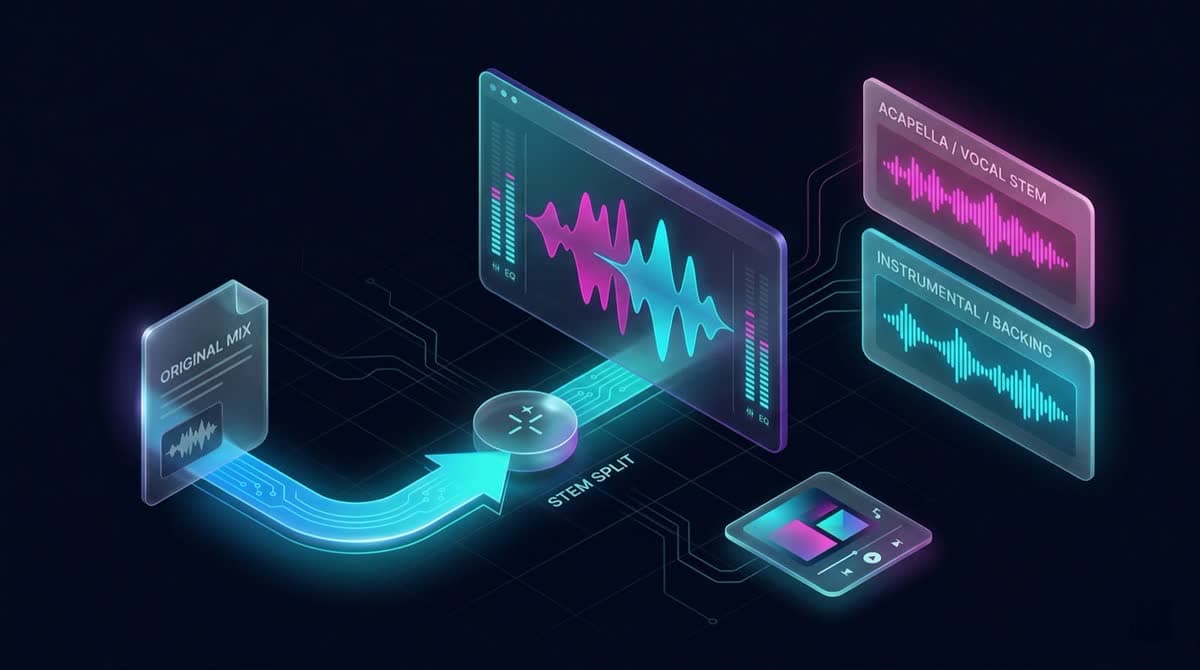
Two audio files: one with vocals isolated and one instrumental backing track.
AI Vocal Remover
Upload audio from your device or choose a song from your library. Processing requires a paid plan. Creates exactly two tracks: Vocals and Instrumental.
Select a Song
Choose a song from your library to separate vocals and instruments.
Listen to the vocal remover demo on AITextSong
Original audio
Vocal
Instrumental
What this tool gives you
Creates exactly two tracks: Vocals and Instrumental. Creates exactly six tracks: Vocals, Drums, Bass, Other, Guitar, and Piano.

Separate Vocals and Instruments from Music
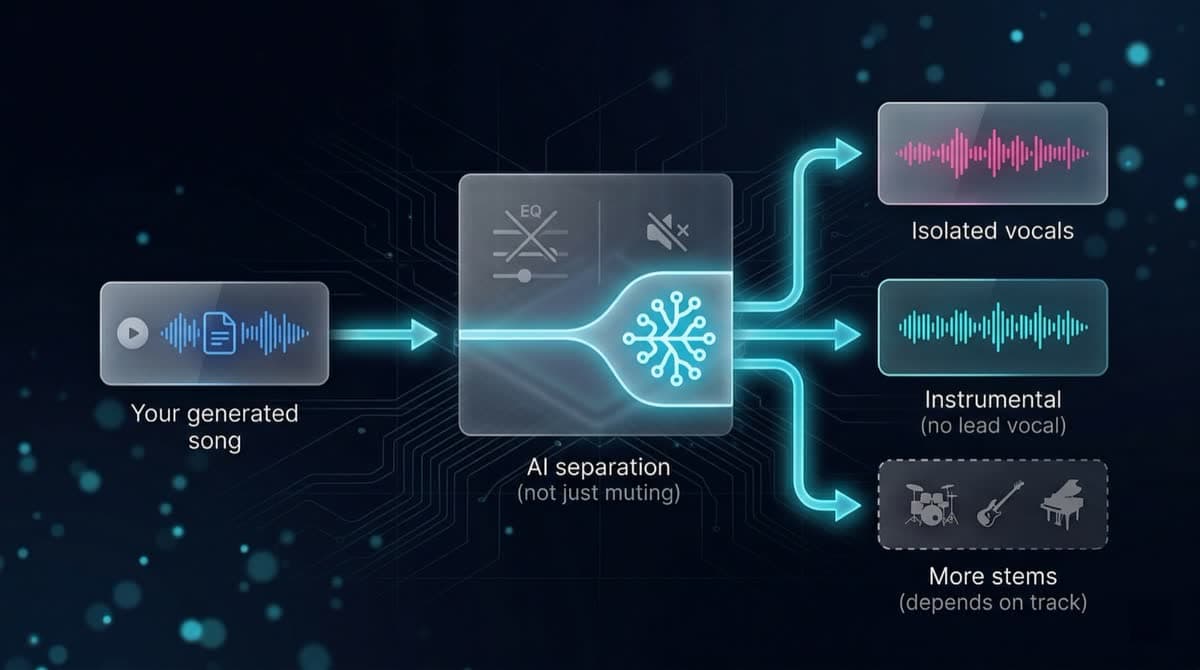
Many tools claim to "remove" vocals by lowering volume or removing frequencies. This tool works differently. It performs AI-powered audio separation so you can isolate vocals clearly and get a natural instrumental backing. You always receive exactly two files: one vocal stem and one instrumental stem. No manual editing or audio knowledge is required.
Vocal and instrumental separation
You get two clean files from each run:
Ideal for:
- • Karaoke
- • Covers
- • Background music
- • Practice and rehearsal
What Files Will You Get?
- •One isolated vocal track
- •One instrumental track without lead vocals
- •Two files ready for remixing, rehearsal, or video beds
Common Use Cases
Create karaoke versions of songs
Remove vocals from a library track to create karaoke-ready instrumentals for practice or events.
Extract vocals for remixing or re-singing
Isolate the vocal stem for remixes, mashups, or recording new vocals over the instrumental.
Prepare background music for videos or podcasts
Generate a clean instrumental from your track for YouTube, podcasts, or presentations.
Practice singing or playing along
Mute the vocal or instrumental stem to practice with the other part in isolation.
Quick two-track separation in the browser
Get vocal and backing files in a few clicks—no DAW required for this step.
Vocal Remover or Stem Splitter?
Start here for two tracks.
Vocal Remover is optimized for the classic split: vocals on one file, everything else on the instrumental. When you need separate drums, bass, guitar, keys, and more, open Stem Splitter for full stem separation.
Try Vocal Remover Now
Pick a song from your library and separate the vocal and backing parts in a few clicks.
Start Separating TracksStem Splitter
Creates exactly six tracks: Vocals, Drums, Bass, Other, Guitar, and Piano.
Stem SplitterText to Instrumental Song
Start a new bed or score from a written brief—text to instrumental song.
Generate InstrumentalAI Song Writer
Return to the full vocal song generator when you need a new complete track.
Create SongFrequently Asked Questions
Yes. The instrumental stem removes the lead vocal while keeping the backing arrangement.
Yes. The vocal stem isolates the singing while the instrumental file holds the backing.
Creates exactly six tracks: Vocals, Drums, Bass, Other, Guitar, and Piano.
Vocal Remover only creates the two-track split. Use Stem Splitter when you need full multi-part stems.
No. Everything works automatically using AI, directly in your browser.