
You type a description—scene, mood, pacing, or brief—and AITextSong returns instrumental music aligned with that input. It is not focused on lead vocals.
Text to instrumental music
Describe a scene, story beat, or mood in plain language—get original instrumental music with no lead vocals, ready for edits, videos, and demos.
Text to instrumental music is for when you need the bed before the topline. You write what you see, feel, or need pacing-wise; the model returns instrumental tracks you can drop under dialogue, storyboards, or early cuts. Use it when stock libraries feel generic, when lyrics are not written yet, or when you want to agree on tone before you open the full Text to Song flow.
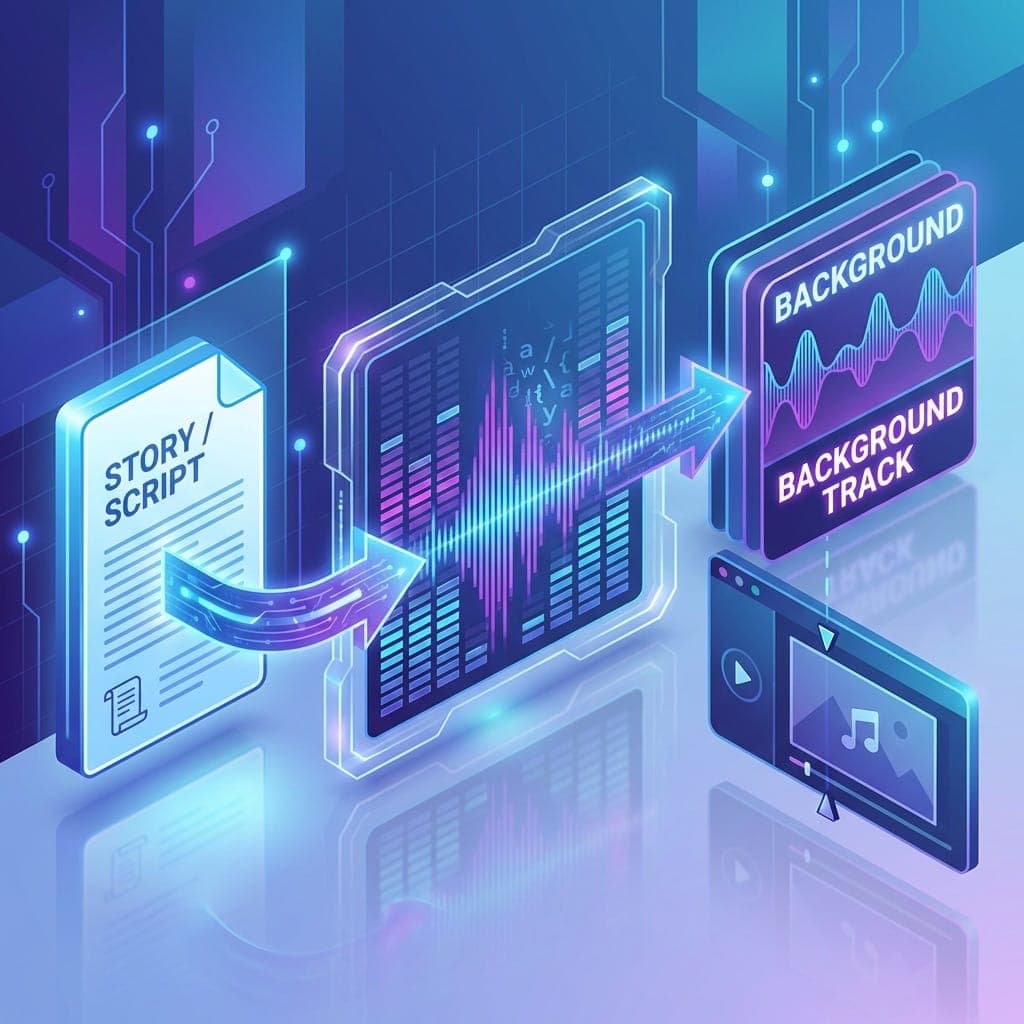
What this page does
The form is tuned for instrumental output: it prioritizes texture, motion, and emotional arc from your words—not verses and choruses. That makes it a strong fit for scoring moments, testing creative direction, and shipping placeholder audio that still sounds intentional.
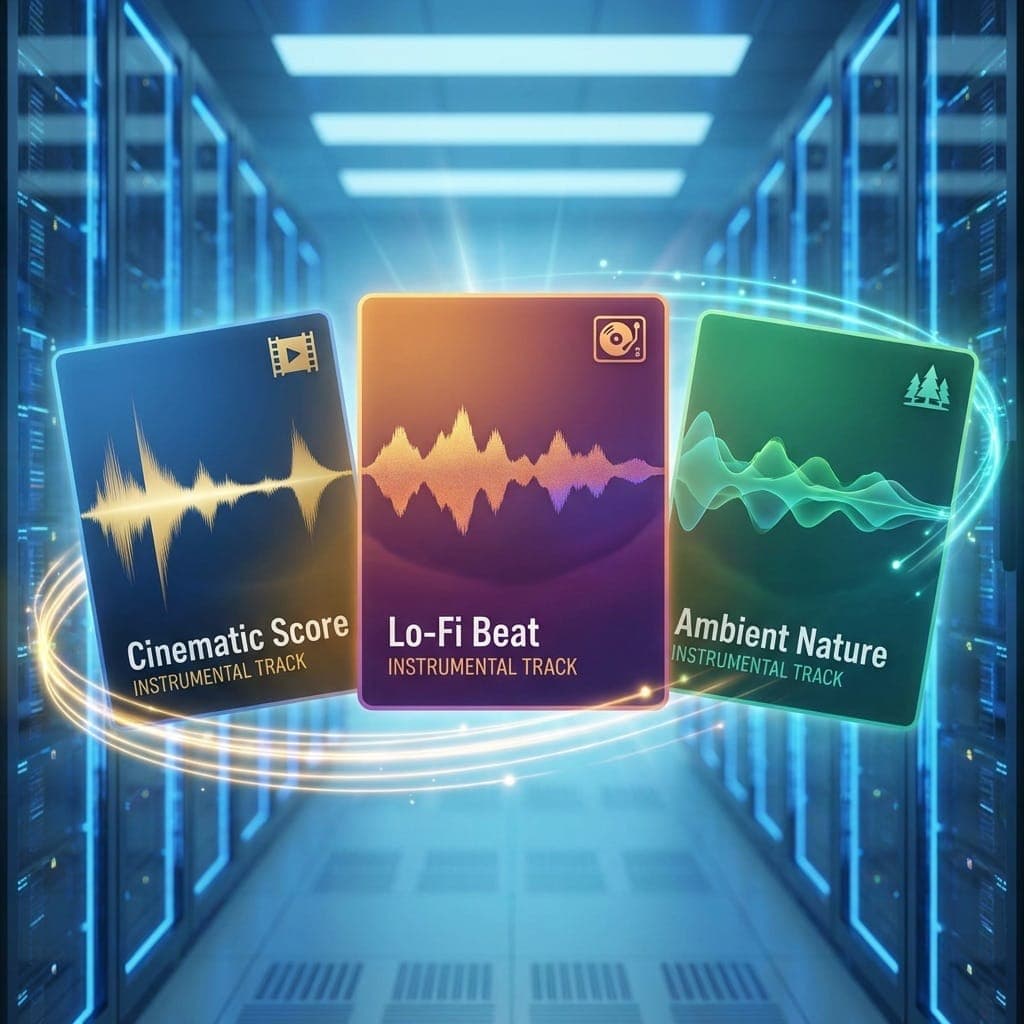
What you can make here
- •Instrumental beds from short scene or mood descriptions
- •Background and underscore for trailers, social cuts, and decks
- •Sketches you can later carry into a full vocal track
- •Atmospheric music for narrative drafts, games, and prototypes
Who gets the most from it
Video and content teams
Match pacing and tone with originals instead of hunting the least-bad stock cue.
Writers and world-builders
Hear a setting or emotional beat as music before you commit to lyrics or melody.
Marketing and internal creative
Turn a written brief into a mood you can present—then align stakeholders before full production.
Songwriters starting with vibe
Lock the sonic world first; move to Text to Song when the instrumental direction feels right.
How people use it
Alex · Video creator
"We describe the cut and motion; we get a first-pass instrumental that fits the scene better than generic beds."
Emily · Storyteller
"I listen to the world of the story as instrumental music before I write the vocal song version."
James · Content marketer
"When we need original mood fast, this beats waiting on a full production cycle for an early review."
Set the mood in words first
When the track should stay instrumental—or when vocals come later—start with text to instrumental music, then open Text to Song for the full vocal pass.
Create instrumental musicReady for a full vocal track?
Take the strongest direction into Text to Song for a complete song with vocals and structure.
Open Text to SongWriting lyrics next?
Draft verses and hooks in the lyrics flow, then pair them with your instrumental idea.
Open Lyrics GeneratorTweak or extend the audio
After you generate, use extension and stem tools from your library when you need more control.
See music toolsFrom instrumental to song
Promote the mood you found here into a full vocal production in the song generator.
Go to Text to SongFrequently asked questions
Short scene beats, emotional cues, references in words, and concise briefs work best. You do not need technical music terms.
Instrumental output: beds, underscores, and atmospheric scoring—not a full vocal pop or singer-songwriter track.
No. Clear language about what you want to hear—or feel—is enough.